From Napkins to Live Code: 20 Years of Restaurant Tech Pain Points
How two decades in restaurant technology and a weekend experiment taught me that domain expertise and modern prototyping tools can be a powerful combination
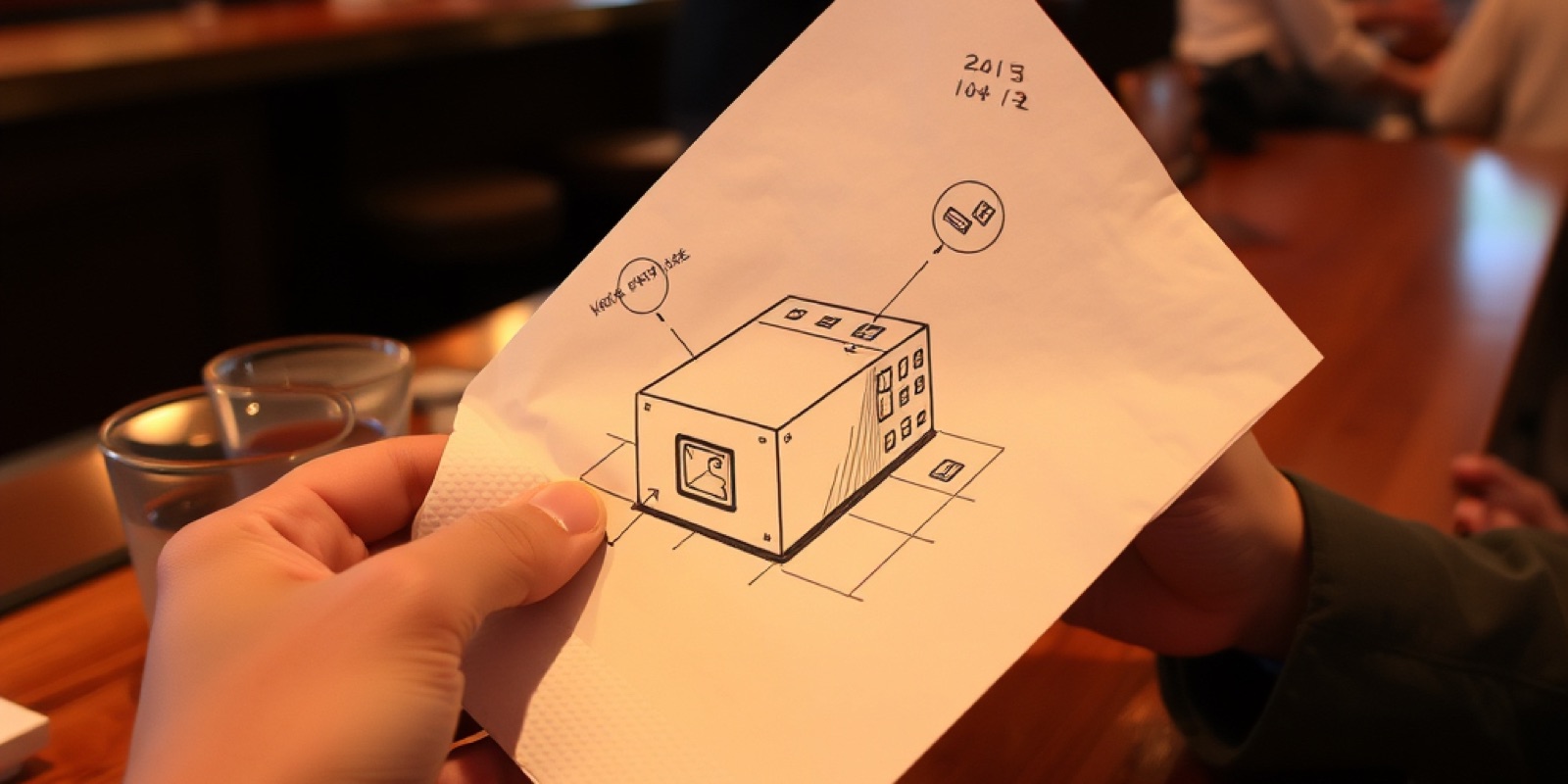
We’ve come a long way from sketching ideas on restaurant napkins. First came whiteboards in conference rooms, then PowerPoint mockups, then Figma prototypes with pixel-perfect designs. But even with all these advances in prototyping tools, I wasn’t prepared for how quickly modern AI-assisted development could take me from idea to working product.
After over 20 years in restaurant technology—including years as a POS installer myself—I decided to tackle the problem that has haunted every single installation I’ve ever done: tax management.
Market Research: 20 Years of Field Experience
Before writing any code, I had something most product managers don’t: two decades of direct experience with this exact problem. As a former POS installer, I’ve personally set up tax configurations in restaurants across multiple states and heard the same complaints from hundreds of owners and fellow installers.
The pain points I’ve witnessed firsthand:
Installers spending 2-4 hours on tax setup for multi-location clients
Restaurant owners calling weeks after installation when they realize tax rates are wrong
Annual compliance updates requiring expensive service calls
New location openings delayed by tax configuration complexity
The restaurant SMB POS market is dominated by players like Square ($4.7B revenue), Toast (over $3B revenue), and Clover, but after installing and supporting these types of systems for years, I can tell you their tax management solutions are surprisingly manual and error-prone.
Existing tax compliance solutions like Avalara and TaxJar focus on enterprise clients with complex integrations and enterprise pricing. After two decades of installations, I knew there was a clear gap for the small to mid-size restaurants that make up the majority of the addressable market.
Key Market Insights from the Field:
Over 660,000 restaurants in the US alone
Average restaurant operates on 3-5% profit margins
Tax compliance errors cost restaurants an average of $2,400 annually (seen this countless times)
Installation time for tax setup averages 2-4 hours per location
80% of support calls in the first month relate to tax configuration issues
Existing solutions are either too complex or too expensive for small operators
The Speed of Modern Prototyping
There’s something remarkable happening in product development right now. The gap between “I have an idea” and “I have a working prototype” has collapsed from weeks to hours.
Where we once needed:
Napkin sketches to capture initial thoughts
Whiteboard sessions to work through logic
PowerPoint decks to communicate concepts
Figma mockups to visualize interfaces
Weeks of development to build functional prototypes
We can now jump straight to working code in a matter of hours.
This compression of the prototyping timeline creates incredible opportunities—and some unexpected dangers.
The Problem That Wasn’t (At First)
As a former POS programmer, I’ve watched countless restaurant owners struggle with tax calculations. Different jurisdictions, varying rates, complex compliance requirements—it seemed like the perfect opportunity to build something useful.
My initial assumption was simple: restaurant owners need better tax calculation tools.
I was completely wrong.
Day Zero: The User Research I Should Have Done (But Didn’t Need To)
Before writing a single line of code, I decided to try something different. Instead of jumping straight into development, I used ChatGPT to create detailed user personas for restaurant owners and managers.
This was my first mistake. While AI-generated personas are useful starting points, they’re no substitute for actual user research. The irony? I have a network of hundreds of restaurant owners and installers I could have called. After 20+ years in this space, I should have just picked up the phone.
However, this 30-minute persona exercise did reveal something that my installer experience had always suggested but I’d never articulated clearly.
The Revelation
While mapping out user workflows, a critical insight emerged: tax calculation isn’t the hard part—tax rate discovery is.
Restaurant owners don’t struggle with arithmetic. They struggle with knowing what rates to apply when they expand to new locations, when regulations change, or when they’re operating in multiple jurisdictions.
The problem wasn’t computational complexity. It was information accessibility.
Day One: Building with Success Metrics
Armed with this new understanding, I pivoted completely. Instead of building a sophisticated calculator, I focused on creating a location-based tax rate lookup tool.
But first, I defined what success would look like: if 80% of users could find accurate tax rates for their location in under 30 seconds, this would solve a real problem and justify further development.
Technical Stack & Speed
Using Claude 4.7 Sonnet and Cursor IDE, I built the first functional prototype in under 8 hours:
Pure HTML/CSS/JavaScript application
Location-based tax rate database
Simple, intuitive interface
Deployed to Netlify with GitHub version control
Why This Approach Worked
Speed over perfection: The goal was validation, not production readiness.
Function over form: Ugly but functional beats beautiful but useless.
Focus over features: One core problem, one clear solution.
But here’s where I made another mistake—I should have immediately reached out to my network of restaurant owners and installers to schedule validation calls. Instead, I got excited about the technical execution and moved straight to Day Two architecture improvements.
Day Two: The Architecture Trap
Riding the high of Day One’s success, I decided to “do it right” with proper architecture:
React-based frontend deployed to Vercel
Node.js backend with Postgres database hosted on Railway
Structured tax rate data with proper relational design
Multi-state data integration (Texas and Illinois)
The Feature Creep Moment
Then I built something that looked impressive: an interactive U.S. map for state selection.
The progression from Day One to Day Two tells the whole story. I went from a simple, functional interface to an elaborate map-based selection system. The irony? The map didn’t even work properly! But it looked professional and sophisticated—exactly the kind of visual polish that distracts from the real question: does this solve the user’s problem?
The Documentation Trap
Then I made an even bigger mistake: I spent hours creating a detailed user guide and writing comprehensive test scripts using AI tools.
While these were good exercises that demonstrated the tool’s functionality, they were completely unnecessary for a prototype. I was documenting and testing something that hadn’t been validated with real users yet—something that didn’t even work correctly.
Pro tip: The AI tools made creating documentation and tests incredibly fast and thorough—good to know for when I actually reach the product phase. But speed doesn’t justify doing the wrong thing at the wrong time.
This was the moment I realized I’d completely shifted from prototype mode to product mode without noticing.
The Realization
Staring at my detailed user documentation and test coverage reports, I realized I’d fallen into the classic trap: I was building a product, not testing a prototype.
There’s a crucial difference:
Prototypes test assumptions and validate concepts
Products solve complete problems with documentation, testing, and polish
I was supposed to be in prototype mode, but I’d unconsciously shifted to product mode—complete with user guides that no users had asked for.
The Lessons That Stuck
1. Start with Real Users, Not Assumptions
The ChatGPT persona exercise was useful but insufficient. Real customer discovery should have been step one. In future projects, I’ll conduct at least 5-10 user interviews before writing any code.
2. Define Success Metrics Early
Having clear success criteria (80% of users finding tax rates in under 30 seconds) helped me stay focused and avoid feature creep. Metrics should drive decisions, not justify them.
3. Competitive Analysis Prevents Reinvention
Understanding the existing landscape early saved me from building something that already existed. Quick competitive research should be part of every product exploration.
4. Documentation and Testing Come After Validation
Creating user guides and test scripts felt productive, but they were premature optimization. These artifacts belong in the product development phase, after you’ve validated that people actually want what you’re building.
Prototype Phase: Build → Test with users → Learn → Iterate Product Phase: Build → Document → Test → Polish → Launch
I skipped the most important step: learning from real users.
5. Know Your Prototyping Mode
Are you testing assumptions or building solutions? The distinction matters more than you think:
Assumption Testing Mode:
Validate problem-solution fit quickly
Embrace constraints and simplicity
Stop before documentation and testing
Focus on learning, not building
Solution Building Mode:
Solve problems comprehensively
Invest in architecture and scale
Create proper documentation and testing
Focus on delivering polished value
Business Model Considerations
While this was a prototype exercise, the business potential became clear during development:
Potential Revenue Streams:
SaaS subscription model ($19-49/month per location)
API usage fees for POS integrations
Premium features for multi-location chains
White-label licensing to existing POS providers
Market Size: With 660,000+ restaurants in the US and tax compliance being a universal pain point, even capturing 1% of the market could generate significant revenue.
Go-to-Market Strategy: Start with independent restaurants, then expand to small chains, eventually partnering with existing POS providers for integration.
Test It Yourself: Live Prototypes
Day One Prototype (Simple & Functional)
🔗 Try Day One Version: https://taxscanner.netlify.app
Use Dallas as the county and the city
Pure HTML/CSS/JavaScript
Basic location-based tax lookup
Fast, simple, focused
Day Two Prototype (Over-Engineered)
🔗 Try Day Two Version: https://taxscanner.vercel.app
Full React frontend with location services (Only Texas is in the DB)
Node.js backend with Postgres database
User guides and comprehensive features
Your Feedback Shapes the Story
I want YOUR perspective as someone experiencing this for the first time:
Questions for you to consider while testing:
Which version actually solves the problem better?
What would you change or improve?
Does this address a real pain point you’ve experienced?
How long did it take you to understand what each version does?
Which one would you be more likely to use regularly?
Drop your feedback in the comments or reach out directly. Your insights will directly influence the next iteration and the lessons I share in the follow-up blog post.
Technical Notes
For fellow developers interested in the implementation details:
Day One Stack
Frontend: Vanilla HTML/CSS/JavaScript
Data: JSON files for tax rates
Deployment: Netlify static hosting
Version Control: GitHub
Development Time: ~8 hours
Day Two Stack
Frontend: React deployed to Vercel
Backend: Node.js with Express on Railway
Database: Postgres on Railway
APIs: Location services integration
Development Time: ~12 hours
Key Code Insights
The most valuable code was the simplest: a straightforward lookup function that matched location inputs to tax rates. Everything else was elaboration.
What’s Next: Iteration Three
Based on the feedback I get from you testing these prototypes, I’ll move forward with iteration three—where I’ll finally do what I should have done from the beginning: actually talk to restaurant owners and installers in my network. I suspect they’ll tell me something completely different than what I’ve built so far.
Your experience as users, combined with input from people who live this problem daily, will directly shape the next version.
The real lesson? Even with personas, pivots, and rapid prototyping, nothing replaces talking to your actual users—and that includes YOU.
But first, I want to hear from YOU. Test both prototypes and let me know which approach resonates more with your experience.
The Bottom Line
Two days of development taught me that product success isn’t about technical sophistication—it’s about solving the right problem for the right people in the right way, with a clear path to sustainable business value.
The technical execution was straightforward. The product strategy required much deeper thinking about users, competition, and business models.
Sometimes the best prototypes are the ones that help you realize what not to build. And sometimes the best way to test your product beliefs is to build fast, fail faster, and learn from both the successes and near-misses—while keeping one eye on the business fundamentals that make solutions sustainable.
This is exactly the kind of real-world testing I committed to in my content creation journey—no more sitting on the sidelines, just building and learning in public, with a focus on both technical execution and strategic thinking.
This is part one of a multi-part series on rapid prototyping for restaurant technology. Subscribe to follow along as we validate, iterate, and hopefully build something restaurant owners actually want to use.